
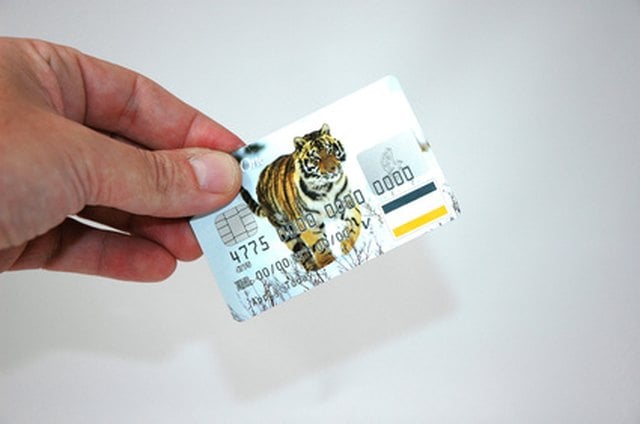


Credit and debit cards are accepted by most merchants and are extremely convenient when you do not want to carry cash. Most provide some level of consumer protection and some provide rewards such as money back, points or rewards at amusement and theme parks. Nothing is more frustrating than getting to the register, only to have your credit card fail to scan when you swipe it, especially if you are in a hurry. Learn a few tricks that will help your card to work and get you out of the store sooner rather than later.
Step 1
Apply moisture to the magnetic strip on the back of the credit card. Use your saliva or a dab from a water bottle, if you have one with you. Try swiping the card to see if it will go through.
Step 2
Put your credit card into a plastic bag and try swiping it through the machine that way. Static electricity apparently makes the magnetic strip easier for the machine to read.
Step 3
Hand your card the cashier, when all else fails. She will manually enter your credit card number on the register. This can be annoying, but will take less time than repeatedly trying to scan a card that is unreadable.
Step 4
Call your credit card company to let it know the magnetic strip has gone bad. The company will send you a replacement card so that you do not have to fiddle with your card at the register.