


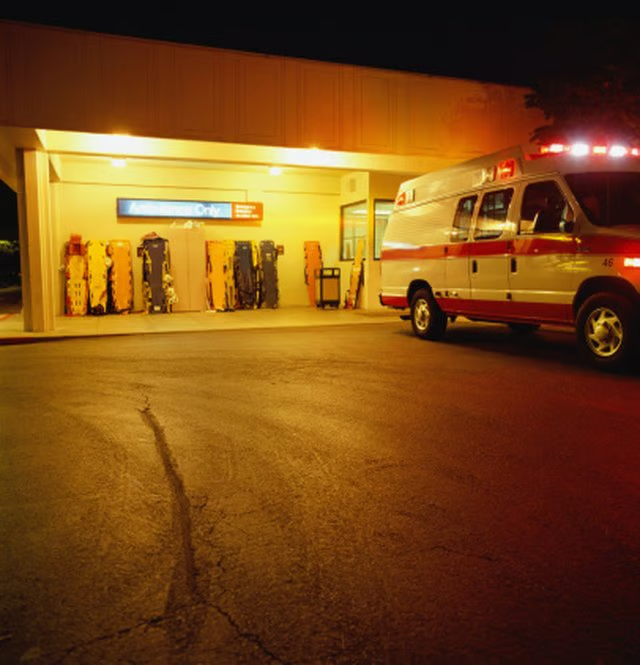

In many areas of Texas, the address of a 911 caller using a landline phone is automatically displayed on a screen at the call center, improving the chances that emergency officials will send help to the correct location. After setting up a residence, you must complete a form and submit it for consideration to ensure that your address is entered into the system.
Step 1
Contact the public office that handles 911 addressing in the area of Texas where the property is situated. For instance, in Dallas the Public Works Department administers 911 addresses.
Step 2
Complete the 911 address request form required for your area. The form is generally available via the Internet as a printable form or at the local office that handles the applications.
Step 3
Provide your name, mailing address, telephone number, new address and the parcel number of the property, which is on the property deed. Answer additional questions on the application, such as the closest resident's address or visual landmarks. Some applications require a map to your home.
Step 4
Return the completed form or application to the appropriate department. After inspection by a 911 official, the property is assigned a 911 address.