
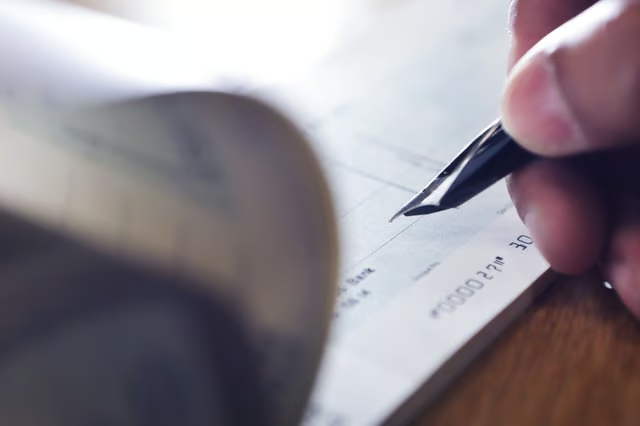


Getting copies of your canceled checks is a fairly quick and easy process, unless you want paper copies. That can take 10 business days or longer, depending on how old the check is.
For most of your purposes, copies of digital images will help you prove that a check was cashed and canceled, especially if you can show copies of the front and back of the canceled check. Banks must keep canceled checks or copies of them for five years, according to HelpWithMyBank.gov.
Read More: How Long Should You Keep Canceled Checks & Bank Statements?
Use Your Online Account
The quickest way to see an image of a canceled check and print it out on your printer is to log in to your online account and check your transactions. Find the check number and click on the transaction to see if your bank provides check images.
Bank of America, for example, offers this service, but charges a monthly $3 fee (as of September 2021) for basic checking accounts. You can choose to view the front of the check, back of the check, both sides or to print a copy. You'll want to print both sides because the numbers on the back of a canceled check confirm that the check was paid by the bank (which cancels a check).
If you don't have an online account set up, it usually only takes a few minutes and you'll have immediate access to your information once you're in. You'll need to provide your bank account number and other information such as your Social Security number, phone, address, zip code or personal identification number (PIN).
Read More: How to Login to Online Banking for Bank of America
Use Your Mobile App
The process for accessing your account and looking up canceled checks is roughly the same on a mobile app as it is for doing so with an online account. You'll need to set up your account to activate it, then go through your transactions and find your canceled check. Depending on your bank, instead of printing the image from your phone, you can forward it to your email or to someone else's.
Call Your Bank
If you want a paper copy of your canceled check, call your bank. Canceled paper checks and/or their images are kept in a central place and the bank will have to contact that office to get a copy of your check. This can take up to two weeks, and you'll probably be charged a fee.
Read More: How Can I Get a Copy of a Check I Deposited at My Bank?
Visit a Branch
If you're near a branch of your bank, you can stop in and talk to a bank representative. Bring a government-issued ID and your checking account information. The bank rep might be able to get into your account and print an image of your canceled check if it's less than one year old. If not, she'll be able to put in a request for a check copy and charge the fee to your account.
Write to the Bank
The other method you have is to write to the bank. Look for the customer service address on your monthly statement, or perform an online search for the bank's address. If it's important that you get the check quickly, send your letter overnight or request confirmation of delivery if you send it through regular mail.