
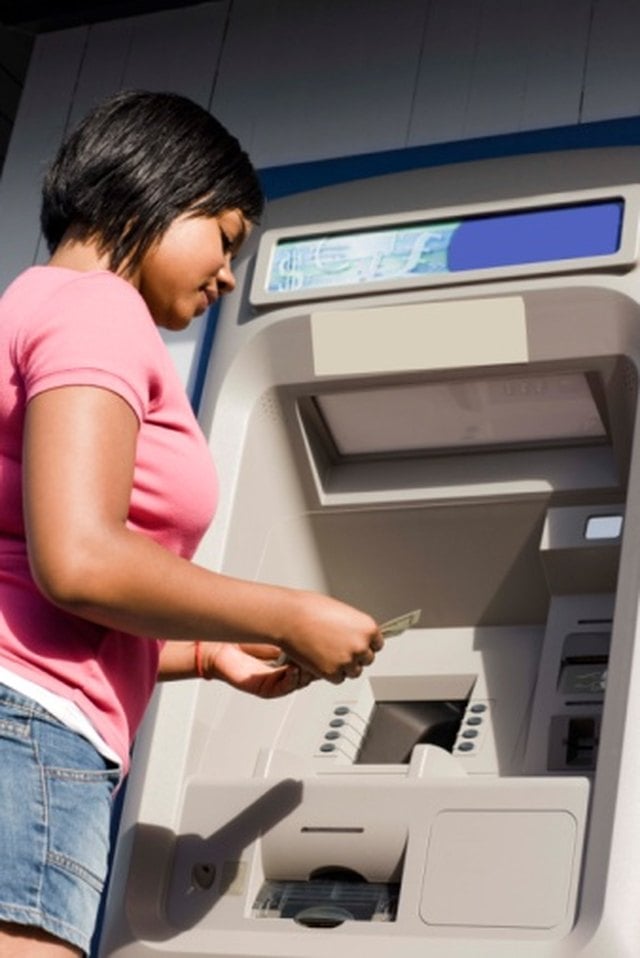


If you have an Electronic Benefits Transfer card, use it to make a cash withdrawal at an ATM. Using an EBT card at an ATM is just like using a debit card. The ways you can use your EBT card vary by state. Contact your local Department of Social Services to find out if your state allows you to make cash withdrawals on your EBT account.
Step 1
Insert your EBT card into the ATM. If you aren't sure which direction to insert your card, look for a picture near the card slot. It shows you whether to insert the card face up or with the strip facing a particular side.
Step 2
Select the language for the ATM directions to be shown in, if prompted to do so. Enter your PIN number.
Step 3
Select "Withdrawal" when the ATM asks what you want to do. Check your balance at this point, if desired.
Step 4
Choose "Checking" when the ATM asks from what account you want to withdraw your money.
Step 5
Enter the amount of money you want to withdraw and then verify the amount to receive the cash. If the ATM declines your transaction, verify that you have enough funds to cover the withdrawal and that your request doesn't exceed the ATM's maximum withdrawal limit.