

If you need cash in a hurry for one of life's many unexpected expenses, you need to make an emergency cash withdrawal. These expenses requiring money quickly often come during non-standard banking hours, so you need to use an alternative means to access your money. An emergency cash withdrawal requires quick action, a car and your ATM card.
Step 1
Drive immediately to the nearest branch of your bank. Take the quickest route to the branch. If you are not near any of the branches of your bank, get in your car and drive to the nearest major intersection. Look for signs in stores or other banks indicating that an ATM is available.
Step 2
Have your ATM card out of your wallet and ready to insert into the ATM.
Step 3
Pull your car up to the ATM and roll down your car window quickly but steadily.
Step 4
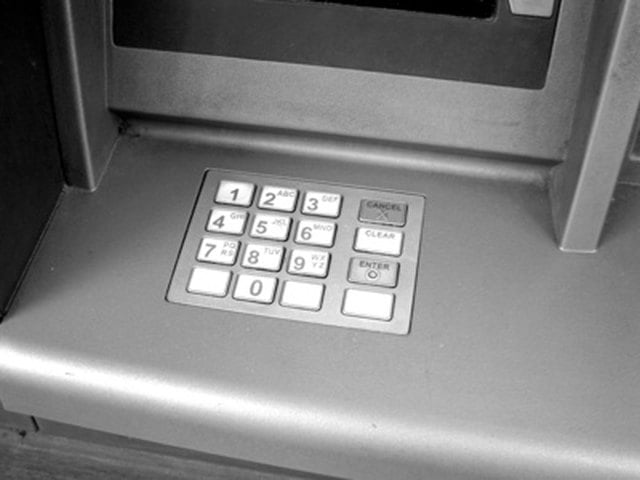
Insert your ATM card into the machine. Enter your PIN number, then press "Enter".
Step 5
Press the buttons indicating that you want to make a withdrawal from your checking account. The exact locations of these buttons vary from ATM to ATM.
Step 6
Type the amount of the emergency cash withdrawal that you want to make and press "Enter".
Step 7
Indicate that you agree to pay the ATM fee for the transaction by pressing the "OK" button. (If you are using your own bank's ATM, the fee may be waived.)
Step 8
Grab your cash when the ATM dispenses it.
Step 9
Click the button indicating that you do not wish to make any other transactions and take your printed receipt and ATM card from the ATM.