


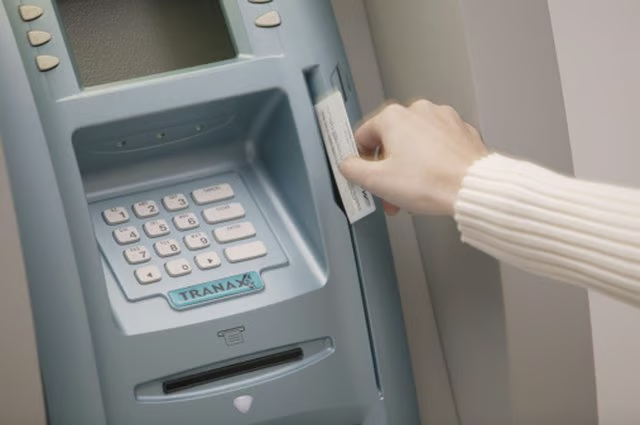

The process for using your Chase card at a Bank of America automated teller machine is the same as at any other ATM. The fees will be different, however, if you use an out-of-network ATM to perform transactions with a Chase card.
Understanding how to use your Chase card at different ATMs will help you decide if it's worth it to make a transaction, or if you can wait until you find an ATM in your network.
Read More: Chase Bank ATM Instructions
The Fees Involved
Chase has more than 16,000 ATMs in its network, as of September 2021. You can use the Chase banking app or log in to your Chase account online to find one near you.
If you use your Chase card at a Chase-network ATM, you can perform free transactions, such as withdrawals, deposits, balance inquiries, cash transfers between linked Chase accounts and Chase credit card payments, depending on what type of account you have. Some transactions might incur a fee, but you'll be asked by the ATM if you want to proceed with that particular transaction and pay the fee.
If you use your Chase card at an ATM that's not in your network, you'll most likely pay a fee. The fees can range from $2.50 to $5, depending on the transaction and if you're in the U.S. or traveling and making a transaction outside of the country. You will also be charged a fee by Bank of America.
Depending on the type of account you have and the card you use, you might get a certain number of free ATM transactions per month, or get a refund of any ATM fees you're charged by an out-of-network machine. Read your card benefits or call Chase (using the phone number on the back of your card) to see what ATM fees you do and don't have to pay.
Read More: Advantages of Using an ATM
Making an ATM Transaction
To use your Chase card at a Bank of America ATM, start by inserting your card into the slot in the ATM (it might be lit or flashing). You'll be asked for a personal identification number. Enter your PIN. This is not the three-digit security code on the back of your card. It's a four-digit number you either received from Chase or set up yourself.
Choose from the list of transaction options, such as withdrawing cash, checking your balance or making a deposit. Follow the instructions to complete the transaction. Insert your checks or cash if you are making a deposit or take your cash if you are making a withdrawal.
Finish the transaction by answering the questions regarding whether or not you want to make another transaction and if you want a receipt or not. Take your card and you are finished.
Read More: How to Make an ATM Deposit
Don't Forget Your Card
Be careful – make sure you take your card out of the machine before you drive away. Unlike some ATMs, Bank of America machines don't give you your card back as soon as you enter your PIN. You won't get your card back until after you have completed your transaction, asked for a receipt (or not) and ended your transaction.
If you forget that your card is still in the machine, the next person behind you might be able to get your card. If no one else uses the machine for a while, the machine will take your card back in and you will have to get a new card, even if you go to the bank the next day.