
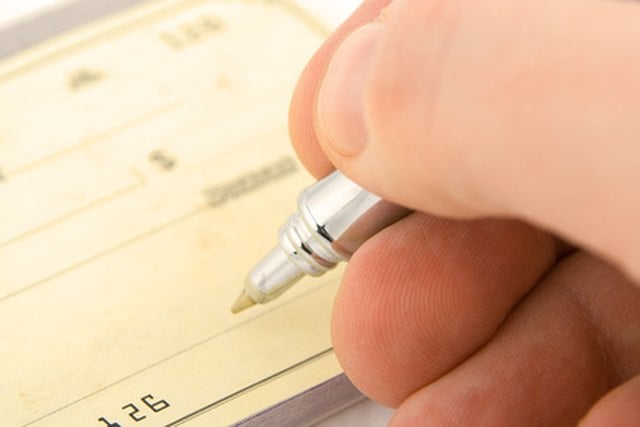

Sending money by personal check is largely a function of a bygone era. However, there are still occasions when you may need to do so. For example, some utility companies may not accept credit cards. You also cannot pay taxes with a credit card unless you agree to incur an additional fee. However, because checks are rapidly falling out of fashion, fewer and fewer people are familiar with using them.
Fill Out the Check
Step 1
Write the full name of the company or person you are paying with your check on the "Pay to the order of" line.
Step 2
Write out the actual amount of whole dollars in words and the cents as a fraction on the amount line. For example, if you wanted to send $110.58, you would write "One hundred and ten dollars and 58/100."
Step 3
Write the date on the check in the date line. Be sure to use the current date and not a date in the future.
Step 4
Sign your check on the signature line.
Step 5
Write your account number with the company you are paying in the "Memo" or "For" line. Or, if you are paying an individual, write a note explaining the purpose of the check (i.e., "Congratulations" for a wedding or birthday).
Address and Mail the Envelope
Step 1
Write the full name and address of the company or person you are sending the check to in the center of the front of the envelope.
Step 2
Write your name and your full address in the upper-left corner of the front of the envelope.
Step 3
Place a first-class postage stamp on the upper-right corner of the front of the envelope.
Step 4
Put your check inside the envelope and seal it. If you are paying a bill, put the bottom portion of the bill (it is usually perforated to make it easy to tear off) inside the envelope as well.
Step 5
Place your sealed envelope inside a U.S. Postal Service mailbox and close the door. Open the door of the mailbox again to make sure your envelope went in. You are now done.