
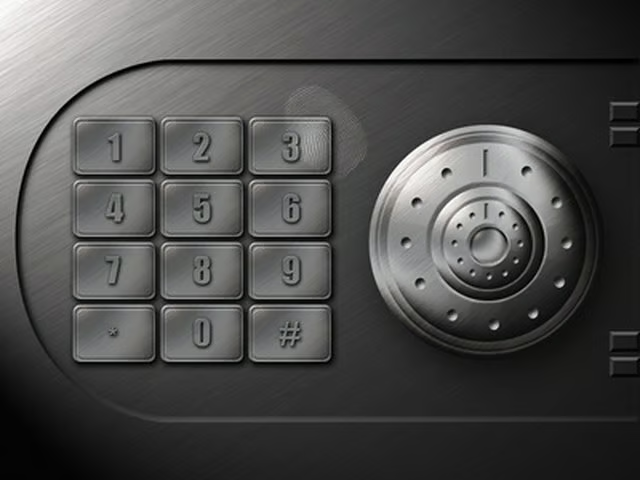

The Sentry Group is a manufacturer of safes for home and business. While many of its safes utilize a mechanical combination lock, some have a digital keypad lock. With the digital keypad, you may enter either the factory code, the user code or a user pin number to gain entry to the safe. Learn the proper method to opening your Sentry safe with a few simple steps.
Step 1
Determine the code you wish to use to open the safe. You can either use the factory code provided on the first page of your user manual, the user code you set when you first used the safe or a user pin, a temporary code that another user can utilize to open the safe.
Step 2
Move the handle of the Sentry safe all the way up into a horizontal position.
Step 3
Enter one of the three codes on the number pad on the front of the safe.
Step 4
Pull the handle down and pull the door towards you. When the green light flashes, you have four seconds to open the safe.