
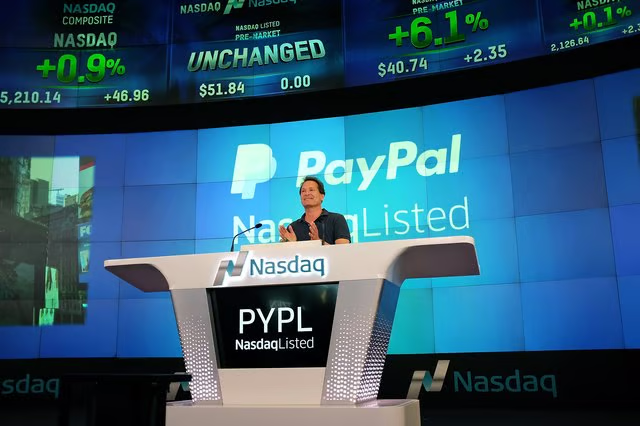



How to Buy Stocks With PayPal. Purchasing stocks is simpler than ever before. Investment companies are becoming more flexible with payment methods, so they can meet the growing demands of their customers. One of the more recent additions of payment methods to use to purchase stocks is PayPal, an online banking service.
Step 1
Find a brokerage firm that allows you to do this. There are some companies that are allowing this. Using PayPal to buy stocks used to be more widely disliked because the funds weren't truly secure. That means, PayPal reserves the right to take away funds, if they believe you have obtained them in an unethical or illegal way or in a way that violates their policies.
Step 2
Purchase an account with a firm that allows you to purchase stocks with PayPal.
Step 3
Wait two weeks, if necessary, for the brokerage firm to confirm that your funds are available and that the money has officially cleared your PayPal account.
Step 4
Pay a service charge fee with your brokerage firm and perhaps with PayPal. Some brokerage firms are charging extra fees to use a PayPal service. In addition, depending on the type of account you have with PayPal, there might be additional fees.
Step 5
Purchase your stocks using the brokerage firm's website or by calling their toll-free phone number. You typically can purchase any stock you wish.