
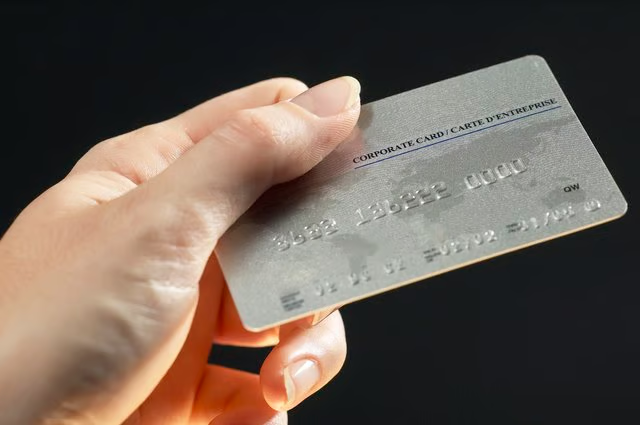


If you have credit cards, you may have a hard time reining in your spending. By making your credit cards harder to access, you may be able to curb your spending and even lower your amount of debt. If keeping your credit cards in your wallet is too tempting, you can try freezing them in a block of ice in your home freezer. This way you have to wait for the block of ice to thaw before you can make a charge on the credit card. By the time that happens, your urge to spend may have left you.
Step 1
Get a large bowl or bucket that is safe to be used in a freezer. Choose the largest bowl you can as it will take it longer to thaw out than a shallow bowl.
Step 2
Fill the bowl, or bucket, almost completely with water. Leave a couple of inches at the top to allow room for the water to expand when it freezes.
Step 3
Wrap your credit card in some colored plastic wrap, or even a piece of a black trash bag. Secure it with rubber bands. The purpose of the colored plastic is to prevent you from being able to see through the ice to read the credit card number.
Step 4
Drop your credit card into the bowl of water. It will sink down to the bottom. Put the bowl into the freezer. It will take it a few hours to freeze. Leave the frozen credit card in your freezer indefinitely.