
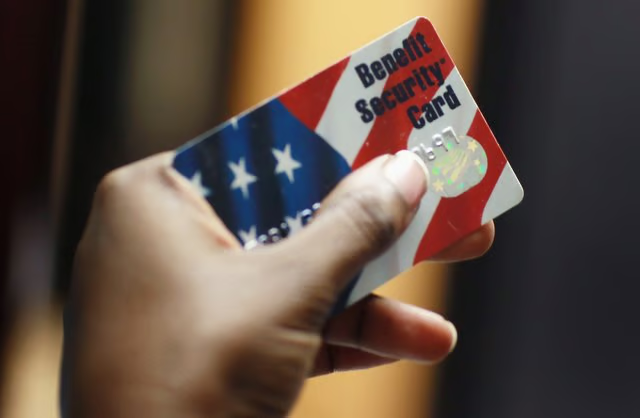

Alleviating poverty in our country is tough these days but with the help of some state aid and government agencies, many hungry families will eat tonight because of food stamps. Every food stamp purchase is electronically authorized through a nationwide database, making the tracking of food stamps a regulated process. The simple use of the new EBT card makes purchasing food easier. EBT stands for Electronic Benefits Transaction, which is a food stamp card like a debit card that's used to make food purchases.
Step 1
Make a local food purchase at the grocery store with your EBT card. Look at the bottom of the receipt for a remaining food stamp balance. Purchasing food on the EBT card at a grocery store is the easiest way to keep tabs of your purchases. At the bottom of the receipt, there will be an exact remaining balance that will be provided for your convenience.
Step 2
On a computer, enter this URL: https://www.ebtaccount.jpmorgan.com/JPM%5FEFS/. This site is a nationwide website where you can sign up and enter your eligible EBT card number to track all of your food stamp purchases.
Step 3
You can also receive this information by phone. Dial the toll-free number on the back of your EBT card. Enter the EBT card number when you hear the prompts and you will be given your food stamp balance via phone within minutes. This is a convenient way to check your balance when you don't have computer access.
Step 4
Contact your local human services office for a detailed report of all of your transactions. This method is a last resort if you don't have access to a computer or a phone. Most agencies will tell you to look at your current grocery store receipt for your balance but tracking the individual purchases would be addressed through the state office or the nationwide EBT computer base.