
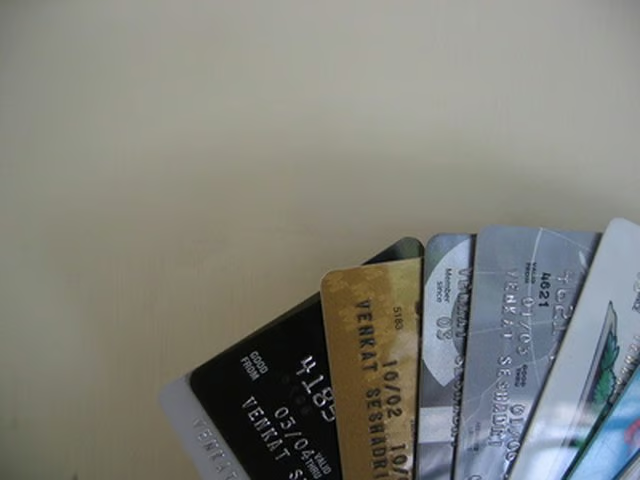


Debit cards are a great way to link your bank account(s) with a physical card, and can be used in nearly all cases where you could also use a credit card. The confidentiality of your personal finance is important, and can be put at risk when your debit card has been used extensively over the Internet or phone. It is also important to keep careful track of your personal spending, to ensure that you don't incur any overdraft penalties. To these ends, there are a number of straightforward ways to check the status of a debit card.
Step 1
Locate your bank's phone number. The phone number should be listed on the reverse side of the card.
Step 2
Call the phone number and inquire about the card status. You may be required to confirm the Personal Identification Number (PIN) or Social Security Number (SSN) associated with the card.
Step 3
Go to the bank website and create an account linked to your card. Here, you may need to verify your PIN or SSN.
Step 4
Go to the nearest bank branch and ask a teller about the status of the debit card. You will likely be required to furnish proof of identification, such as a driver's license or passport.