
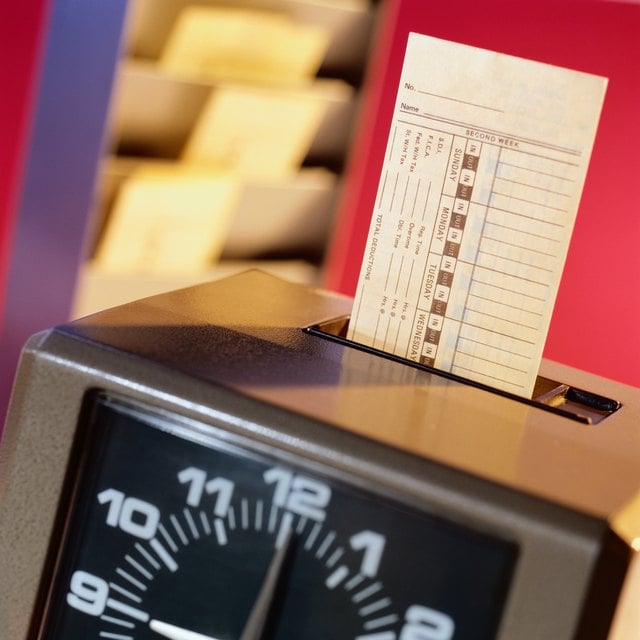


Many employers pay workers an hourly wage. Depending on the practice of the company, the employee may need to keep track of his own time. If you are required to track your time down to the minute, preforming the minute-to-decimal ratio might seem confusing. However, using a simple mathematical formula, you can complete this task. You can figure out your own time down to the minute to report on the time sheet.
Step 1
Record all time worked each day. You can do this in hours and minutes or by start time to stop time. For example, you can record that you worked from 9:00 am to 5:00 pm, or 8 hours.
Step 2
Review each day's time. If extra minutes were worked, the following calculation is used to determine the decimal conversion. Divide the number of minutes worked by 60. This represents the fraction of the whole hour worked. If you worked 33 minutes past an hour, the total minutes worked would be equal to 33 divided by 60, which equals 0.55.
Step 3
Ask your employer if they round time up or down to the nearest quarter-hour. Some employers do this for simplicity. If so, you will need to only focus on time intervals of 15, 30 and 45 minutes.